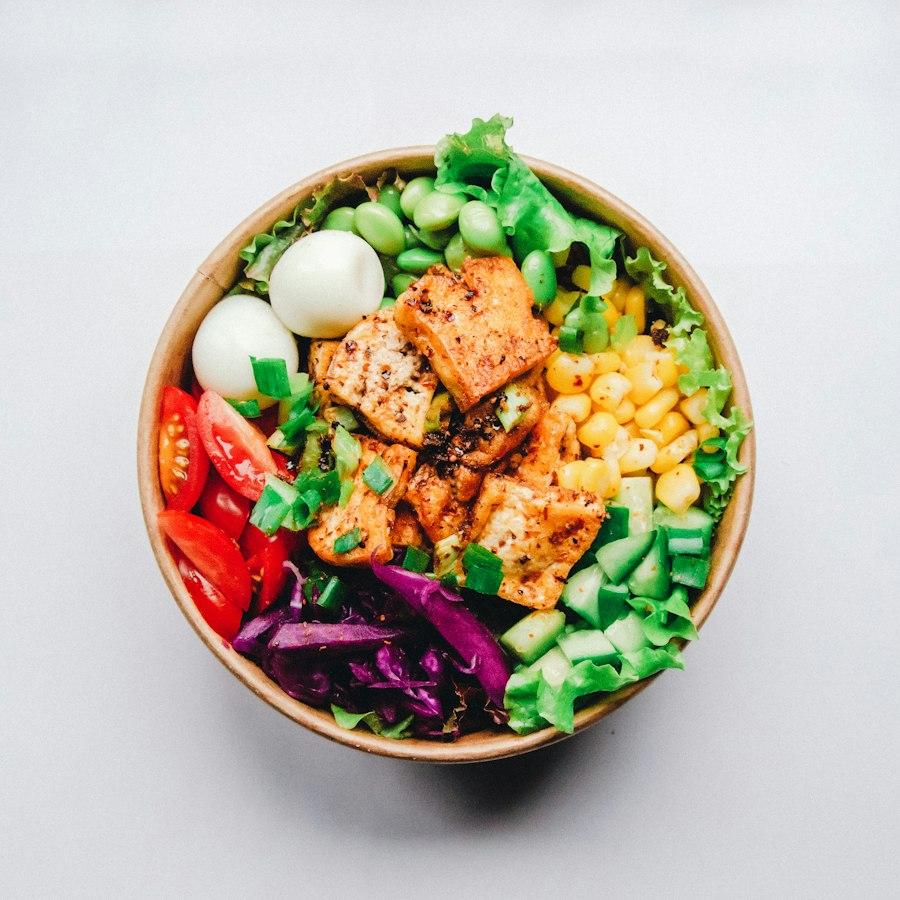
 House favorite
Clarity matters most when service gets busy.
Bring new orders, preparation and the daily picture into view so the team knows what needs attention.
Connect guest relationships to the daily work.
Use the same Garden Kitchen sample to follow dish interest into a follow-up draft. No login, real guest records or delivery channels are involved.
Use a sample guest to follow dish interest through to a follow-up draft. No live ordering, payment or marketing delivery.
STEP 1 OF 4
Browse dishes
Which dish catches a guest’s eye? Open one to keep a traceable source of interest.
House favorite Sold out · Browse only
Garden herb salad
$12.50This is a temporary sample tour. Reload or reset to start again.
T24WorkbenchOrdersMenuCustomersMarketingFinance
T24 Garden KitchenSample data
Net receipts$1,284
Settled visits46
Open orders7
New · 3
#1041Dine-in · A02$28.00
#1042Takeaway$42.50
#1043Takeaway$19.80
Preparing · 2
#1044Dine-in · A02$42.50
#1045Takeaway$19.80
Ready · 2
#1046Dine-in · A02$19.80
#1047Takeaway$28.00
Orders, kitchen and business overview, together.
This illustrative workbench uses sample data and does not accept orders or payments.
Follow the rhythm of your day.
Prepare to open
Review menus, sold-out items, service hours and order devices.
Accept and prepare
Confirm incoming orders and keep the team informed of progress.
Handle exceptions
Keep a record of cancellations, refunds and guest follow-ups.
Handover and review
Check unfinished orders and receipts, then assign next-shift tasks.