Put your brand first
Introduce your restaurant through its name, imagery and location information.
Present your logo, imagery, story, location and hours in a branded website connected to your interactive menu, with its own website settings.
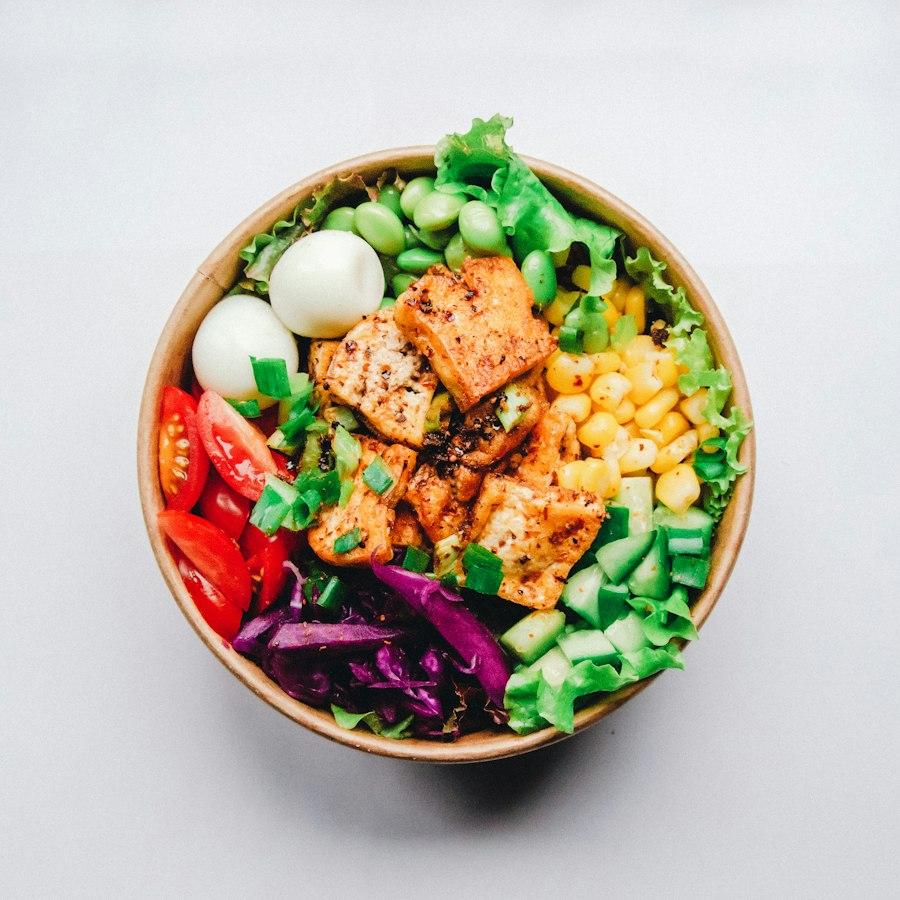
From a menu to sign-up, guest sources and a reviewable follow-up draft.
Open the interactive sampleIntroduce your restaurant through its name, imagery and location information.
Connect your restaurant story with a clear path to ordering.
Maintain your menu and opening information from your store workspace.
Your website introduces the restaurant, your menu supports a choice, and guest records keep the context. Connect the steps so the next action is clear.
Introduce your story, featured dishes, location and hours so guests can decide whether to visit.
Show photos, prices and modifiers, with reviewed ingredient and dietary information to support a guest's choice.
Explain the purpose and record consent when a guest subscribes. Browsing and marketing permission are separate choices.
Review a guest's source and interests, then prepare a follow-up draft. Check content and delivery requirements before taking action.
These no-login previews share the Garden Kitchen sample restaurant. Explore how actions connect to records using simulated data, not live customers or campaign results. Detailed previews currently use Chinese.
Explore sample modifiers and reviewed dietary information, then switch to the merchant view to see how details are maintained.
Explore menu detailsINTERACTIVE SAMPLE / 02Submit a simulated menu sign-up and review the source and dish interest in the guest profile.
Explore sign-up & sourcesINTERACTIVE SAMPLE / 03Prepare a follow-up from sample guest records and check the audience, dishes and offer. The preview sends no email or SMS.
Review a follow-up draftWebsite interfaces include imagery, your story, featured dishes, hours and a menu entry. Preview your own content in the merchant account; the no-login demo covers related menu and guest flows.
Confirm image rights, location, hours, contacts and menu links. Review desktop and mobile layouts before publishing. Unpublished restaurants remain in preparation.
The branded website connects to menus and guest relationships. Domain setup, indexing and third-party accounts must still be checked for each restaurant.
Use the simulated tour to distinguish existing software, channels to activate and planned capabilities.
Check imagery, menus, prices, hours and contacts, with a clear owner for day-to-day updates.
Review desktop and mobile layouts, accounts, permissions and external connections. Unpublished content stays in draft.
The merchant confirms publication. Live ordering, payments and marketing delivery have their own activation checks.
The branded website retains its own presentation and settings. Website, menu and guest records serve distinct roles in one connected journey.
They serve different roles. The website introduces your brand and location; the menu explains dishes, modifiers and reviewed ingredients; live checkout requires separate activation checks. Start with content and menu preparation before enabling transactions.
No. The software provides pages, menu entries and basic search information. Publication, indexing, external channels, content quality and upkeep all affect discovery and conversion. Sample actions are not proof of live acquisition or revenue.
No. Browsing does not grant marketing permission. Sign-up purpose and consent must be recorded. Follow-up starts as a draft; live delivery also requires audience, content, unsubscribe and channel checks.
No. Website demonstrations use illustrative interfaces and sample data. Real operating records are shown only in the appropriate merchant account and store.
Available software capabilities follow the published plan details. Third-party accounts, hardware and external connections require their own configuration and availability checks.
Try a complete sample journey, or share how your restaurant operates and what matters most.